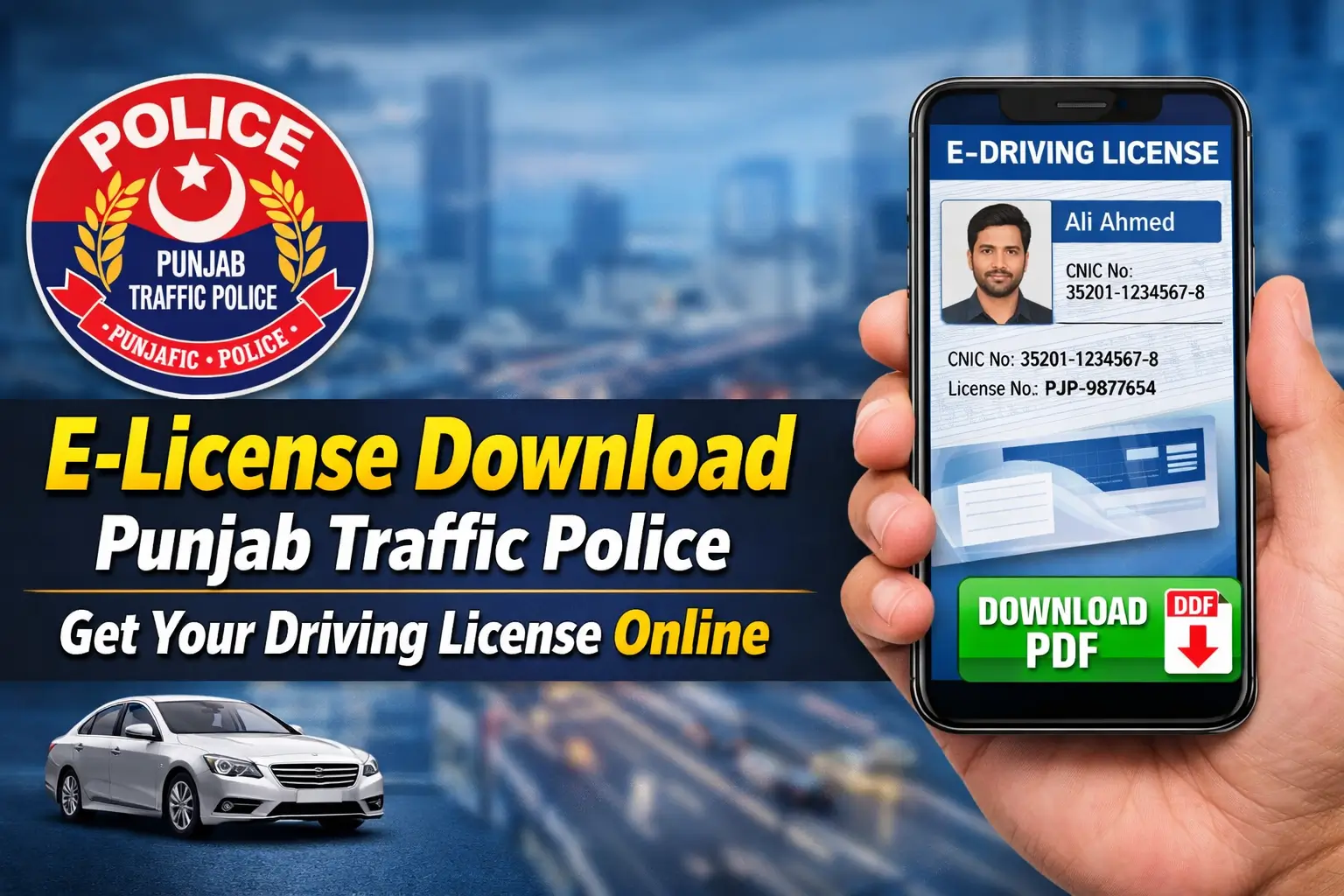
E-License Download Punjab Traffic Police 2026. Punjab Traffic Police has introduced a convenient system for drivers to download their e-license online. Now, there’s no need to visit traffic offices everything can be done digitally, saving you time and effort. In this guide, we’ll walk you through the simple steps to download your digital driving license in PDF format via the official Punjab Traffic Police portal.

What is an E-License Issued by Punjab Traffic Police?
An e-license is the digital version of your traditional driving license issued by Punjab Traffic Police. Legally recognized and secure, it serves as official proof of your driving credentials. The digital license is stored in the government’s database and can be accessed anytime, anywhere, making it a time-saving and reliable option for all valid license holders in Punjab.
- Digital Record: Your driving license is securely stored in a government database.
- Ease of Access: Download it anytime on your mobile or computer.
- Official Proof: Recognized by traffic police across Punjab.
Benefits of Downloading Your E-License Online
The online e-license download Punjab Traffic Police system offers several advantages that can make your life easier. Here are the key benefits:

- Time-Saving: Forget about waiting in long lines at traffic offices. Access your license anytime.
- Security: Your data is securely stored on the official DLIMS portal, minimizing any risks of fraud.
- 24/7 Availability: Download your e-license at any time, even on weekends or holidays.
Eligibility Criteria for E-License Download
Before you can download your e-license, ensure you meet the following eligibility criteria set by the Punjab Traffic Police:
- Valid License Holder: Your driving license must be issued in Punjab.
- Active Record: Your data should be available in the DLIMS (Driver’s License Information Management System).
- Correct Information: Your CNIC number and license number should match the records in DLIMS.
Step-by-Step Process to Download E-License Punjab
Downloading your e-license is quick and easy. Just follow these simple steps to get your digital driving license PDF:

- Visit the official DLIMS Punjab portal at Punjab Traffic Police DLIMS.
- Click on the License Verification option.
- Enter your CNIC number or Driving License Number.
- Complete the captcha verification to confirm you’re not a bot.
- View your license details on the screen.
- Finally, download the e-license in PDF format.
That’s it! You now have your e-license downloaded in minutes.
Common Issues While Downloading E-License
Sometimes, users may encounter a few common problems while trying to download their e-license. Here are some of the issues you might face, and how to resolve them:

- Record Not Found: Double-check the CNIC or license number entered. Ensure both details are accurate and match the DLIMS records.
- Slow Website: If the website is running slow, try accessing it during off-peak hours.
- Incomplete Data: If your details are missing or incorrect in DLIMS, contact the Punjab Traffic Police helpline to get your record updated.
Helpline & Contact Information
If you run into any issues or need help during the e-license download Punjab Traffic Police process, you can reach out to the official support team:
- DLIMS Helpline: 042-111-222-333
- Email Support: info@punjabpolice.gov.pk
- Office Hours: Monday to Friday, 9 AM to 5 PM
The official Punjab Traffic Police support team is available to assist you with any problems or questions.

Why E-License is the Future of Driving License Management
The e-license download Punjab Traffic Police system is a revolutionary step in digital governance. It offers convenience, transparency, and security to drivers. With this easy-to-use system, residents of Punjab can verify and download their driving license without facing long queues or delays. The introduction of digital driving licenses marks a significant improvement in how administrative services are delivered.
FAQs About E-License Download Punjab Traffic Police
1. What is an e-license?
An e-license is the digital version of your physical driving license, issued by Punjab Traffic Police. It is legally valid and can be used for traffic checks.

2. How do I download my e-license from Punjab Traffic Police?
You can download your e-license by visiting the official DLIMS Punjab portal, entering your CNIC or Driving License Number, and following the on-screen instructions.
3. Is the e-license valid for official use?
Yes, the e-license issued by Punjab Traffic Police is legally valid and recognized by traffic authorities across Punjab.
4. What should I do if my e-license download fails?
Check that you’ve entered the correct CNIC or license number. If the issue persists, contact Punjab Traffic Police support for assistance.
Conclusion
The Punjab Traffic Police e-license system is a game-changer for drivers in Punjab. It allows you to securely store and easily access your driving license without the hassle of visiting traffic offices. By following the easy steps outlined in this guide, you can download your e-license in PDF format within minutes.