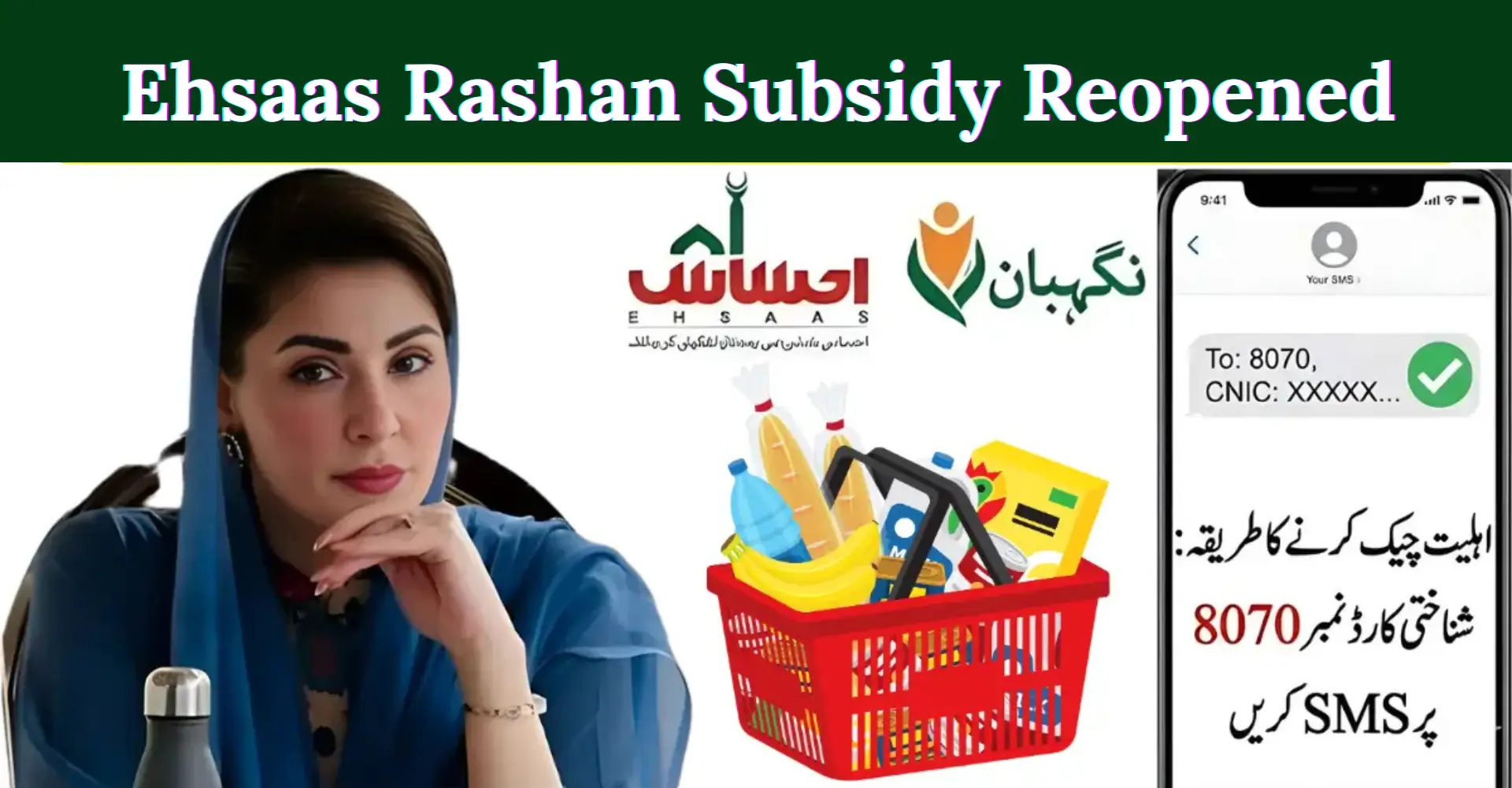

The Ramadan Nigehban Card 2026 helps eligible families in Punjab receive Rs 10,000 financial assistance before Ramadan. If you received the card or SMS confirmation, you must activate it first. This guide explains the full activation and withdrawal process in simple words.

The system is digital, secure, and linked with your CNIC verification and registered mobile number.
What Is Ramadan Nigehban Card 2026?
The Ramadan Nigehban Card is a government-backed relief initiative for low-income families in Punjab, Pakistan. Instead of cash distribution at camps, the government introduced a digital card system.
This system connects your:
- CNIC number
- Registered SIM
- Socio-economic record
- The goal is simple.
- No long queues.
- No middlemen.
- No manual cash handling.
It ensures transparent and fair distribution under the Ramzan relief package 2026.
Rs 10,000 Assistance – Key Details
| Detail | Information |
|---|---|
| Payment Amount | Rs 10,000 |
| Province | Punjab |
| Distribution Method | ATM-based Card |
| Verification | CNIC + OTP |
| Registration Fee | Completely Free |
| Data Source | Government Socio-Economic Database |
The amount becomes available only after successful activation.
Who Is Eligible for Ramadan Nigehban Card 2026?
You may qualify if:
- Your family is listed in official socio-economic records
- You received an official SMS confirmation
- Your CNIC is valid and verified
- Your mobile SIM is registered in your name
Eligibility is based on poverty score data used in government relief programs. If you did not receive confirmation, you may re-check through official channels announced by the Punjab government.
How to Activate Ramadan Nigehban Card 2026
Activation is simple. Follow these steps carefully.

Step 1: Visit an Official ATM or Distribution Center
Go to the partner bank ATM mentioned in your SMS.
You can also visit your tehsil-level distribution center.
Do not go to agents or private shops.
Step 2: Bring Required Documents
You must carry:
- Original CNIC
- Registered mobile phone (active SIM)
Photocopies are not needed.
Step 3: CNIC Digital Verification
Your CNIC will be checked in the official system.
Make sure:
- Your ID card is not expired
- Your SIM is active
- Your number is registered on your CNIC
If your SIM is registered on someone else’s CNIC, OTP will not work.
Step 4: OTP Confirmation
You will receive a One-Time Password (OTP) on your mobile.
Enter the code carefully.
This confirms your identity.

No OTP means no activation.
Step 5: Set a 4-Digit PIN
Create a secure PIN code.
Do not share this PIN with anyone.
Not even relatives.
After this step, your Ramadan Nigehban Card becomes active.
Activation usually takes 5 to 10 minutes.
How to Withdraw Rs 10,000 Payment
Once activated, follow these steps:
- Insert card into ATM
- Enter your 4-digit PIN
- Select “Cash Withdrawal”
- Choose Rs 10,000 or partial amount
- Collect cash and receipt
You can withdraw full amount at once or in smaller transactions.
Common Activation Problems & Solutions
1. OTP Not Received
Possible reasons:

- SIM inactive
- Network delay
- SIM not registered on your CNIC
Solution:
- Restart phone
- Wait few minutes
- Confirm SIM ownership
2. CNIC Not Verified
Reasons may include:
- Expired CNIC
- Data mismatch in records
Visit official help desk for correction.
3. Card Not Working at ATM
Try another partner ATM.
If issue continues, contact official helpline only.
Never pay any agent. Activation is free.
Important Safety Guidelines
To protect your Rs 10,000 assistance:
- Never share PIN
- Do not respond to fake SMS
- Do not pay activation charges
- Visit only government-announced centers
Fraud messages increase near Ramadan. Stay alert.

Why the Digital Card System Is Better in 2026
The 2026 system improves previous relief models.
Benefits:
- Real-time verification
- Reduced corruption
- Transparent distribution
- Faster processing
- Secure identity confirmation
Earlier manual methods caused delays and crowding.
Now the process is more organized and safe.
How Long Does Activation Take?
| Location | Estimated Time |
|---|---|
| ATM | 5–10 minutes |
| Distribution Center | 10–15 minutes |
During peak Ramadan days, it may take slightly longer.
Activate early to avoid rush.
Can Someone Else Activate the Card?
No.
The beneficiary must:
- Be present physically
- Enter OTP personally
- Set their own PIN
This prevents misuse and fraud.
Is There an Activation Deadline?
Government may announce deadlines for activation. It is strongly recommended to activate immediately after receiving the card.

Delays can cause payment hold.
FAQs
1. How can I check Ramadan Nigehban Card 2026 eligibility?
You can check through official SMS confirmation or designated government portal announced by Punjab authorities.
2. Is there any fee for activation?
No. Activation is completely free.
3. Can I withdraw partial amount?
Yes. You can withdraw full Rs 10,000 or smaller amounts.
4. What if I lose my card?
Immediately report to official helpline to block it.
5. Is this program available outside Punjab?
Currently, the Ramadan Nigehban Card 2026 applies to Punjab only.
Conclusion
The Ramadan Nigehban Card 2026 offers a secure way to receive Rs 10,000 assistance before Ramadan. Activation is simple. Just verify CNIC, confirm OTP, and set your PIN.